
PREPARE DTF ARTWORK ON YOUR MAC
Prepare designs for DTF printing.
On your Mac.
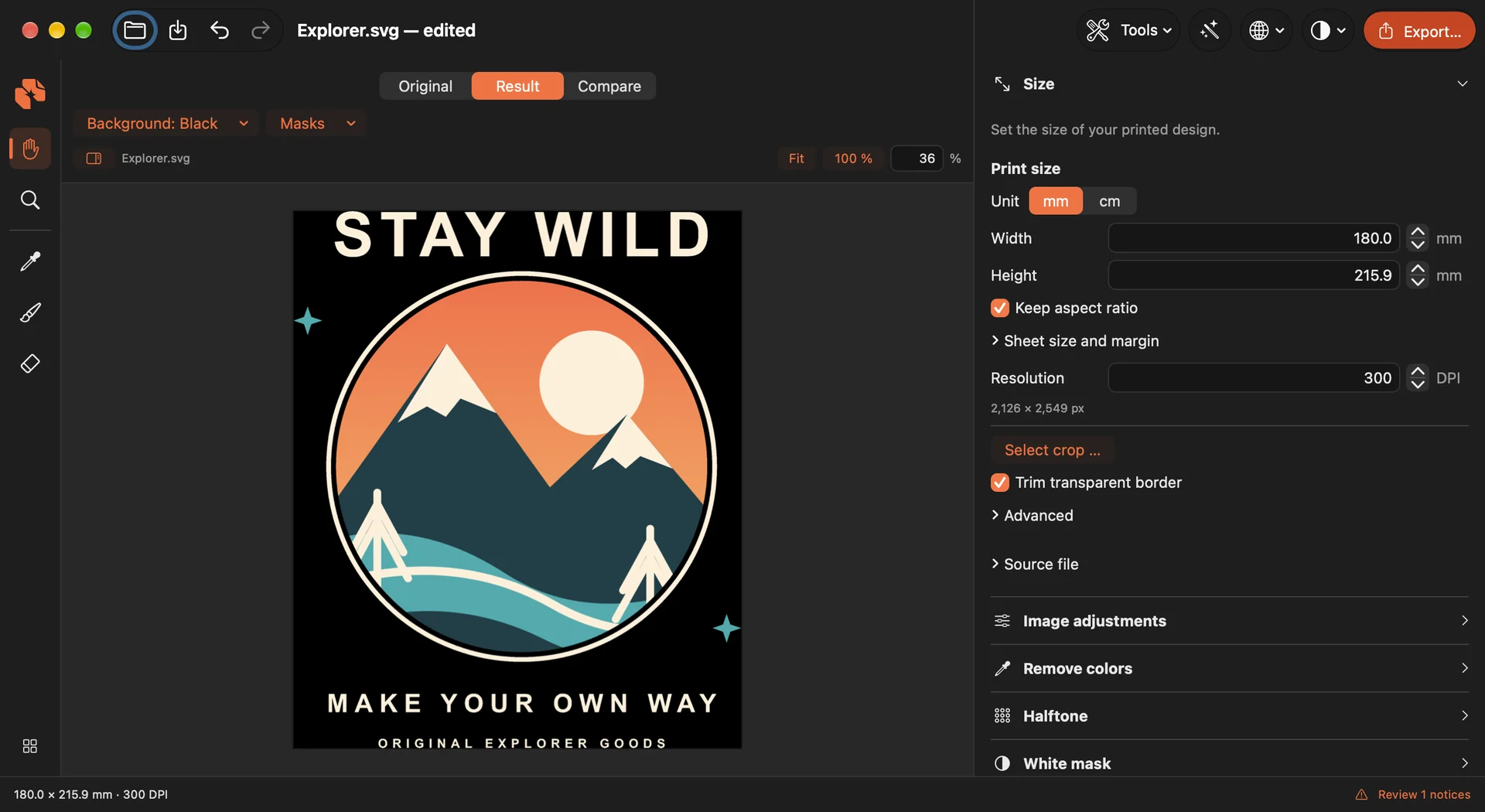
DTF Prepress Studio helps you prepare designs for printing on transfer film. Edit your images, set the print size and check the files before sending them to your printing software.

Apple Silicon · macOS 14+

THE FEATURES
A quick look at the app
Artwork
Set the printed size and resolution of your design. Crop empty edges and compare your changes with the original.
Learn more02Halftones
A halftone turns your design into small dots. Choose their size, shape and arrangement, and see the result in the preview.
Learn more03White mask
The white mask defines where a white layer should sit under your design. Adjust its opacity and pull the white edges inward.
Learn moreSteps and Mac requirements
The app runs on Macs with an Apple chip, such as M1 or M2. It’s for print studios and anyone who wants to prepare their own designs for textile printing.
02Questions and help
The manual explains each step, from opening a design to saving your print files.
YOUR DESIGN TO WEAR · DINGFEIN
Make it your own.
Discover customizable T-shirts, hoodies and sweatshirts in my online shop DINGFEIN. Choose a design or create your own with your text, image or artwork.