
Open your design
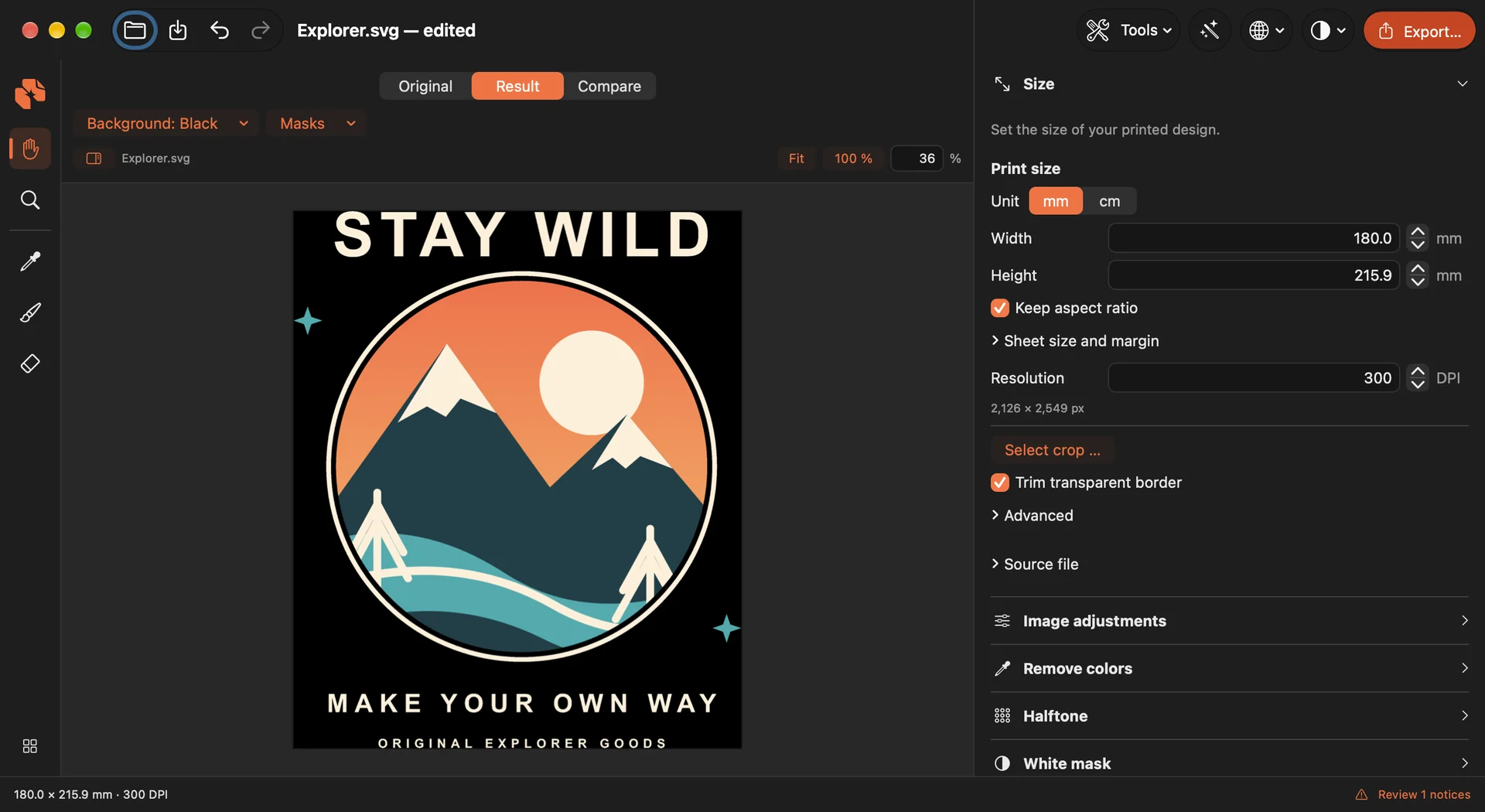
Load a PNG, JPEG, TIFF, PDF or SVG file. Set the print size and resolution.
THE STEPS
From opening your design to saving files for your printing software: here are the steps.
Load a PNG, JPEG, TIFF, PDF or SVG file. Set the print size and resolution.
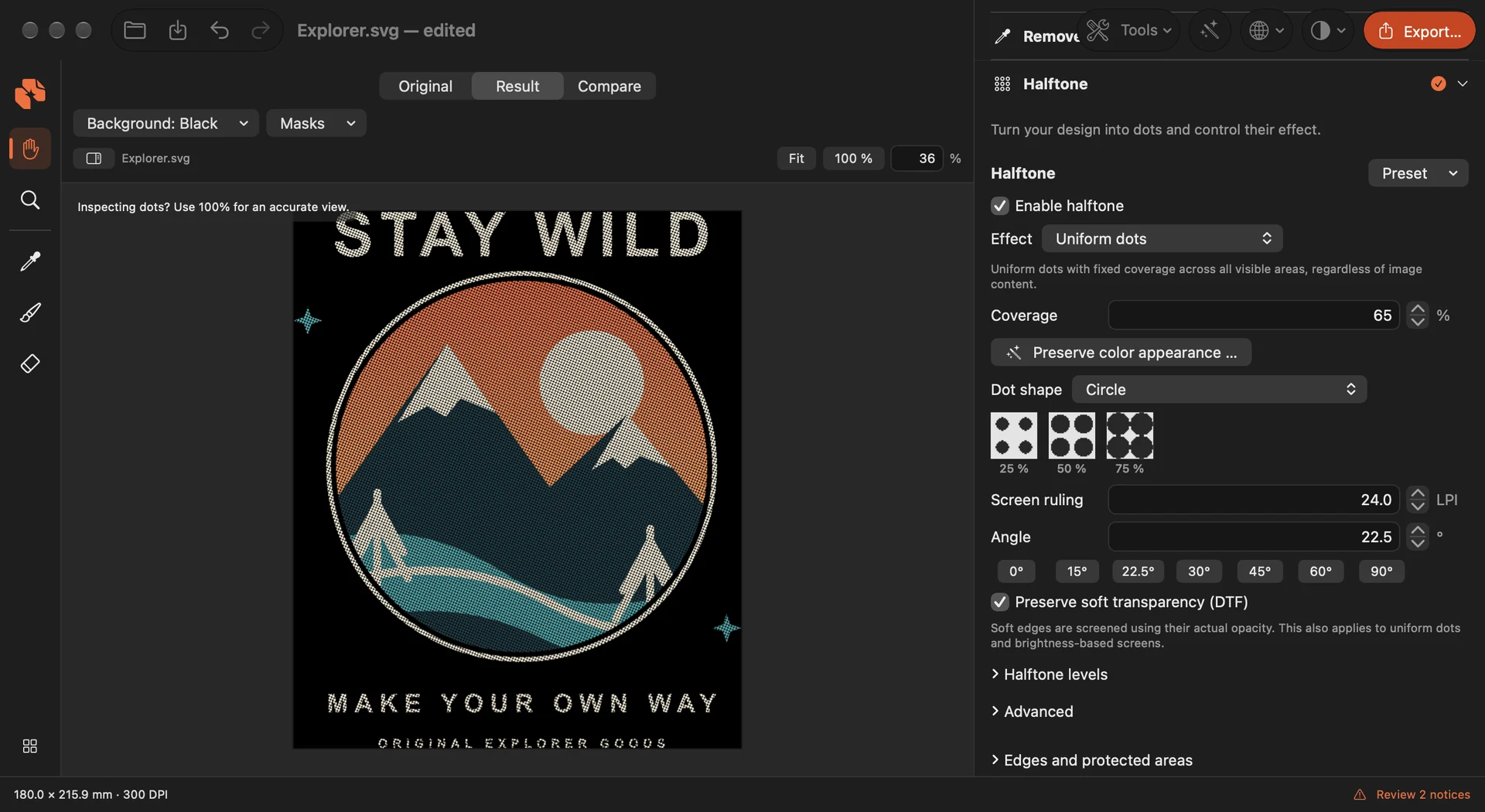
Adjust the image and add a halftone or white mask if needed. The preview shows your changes.
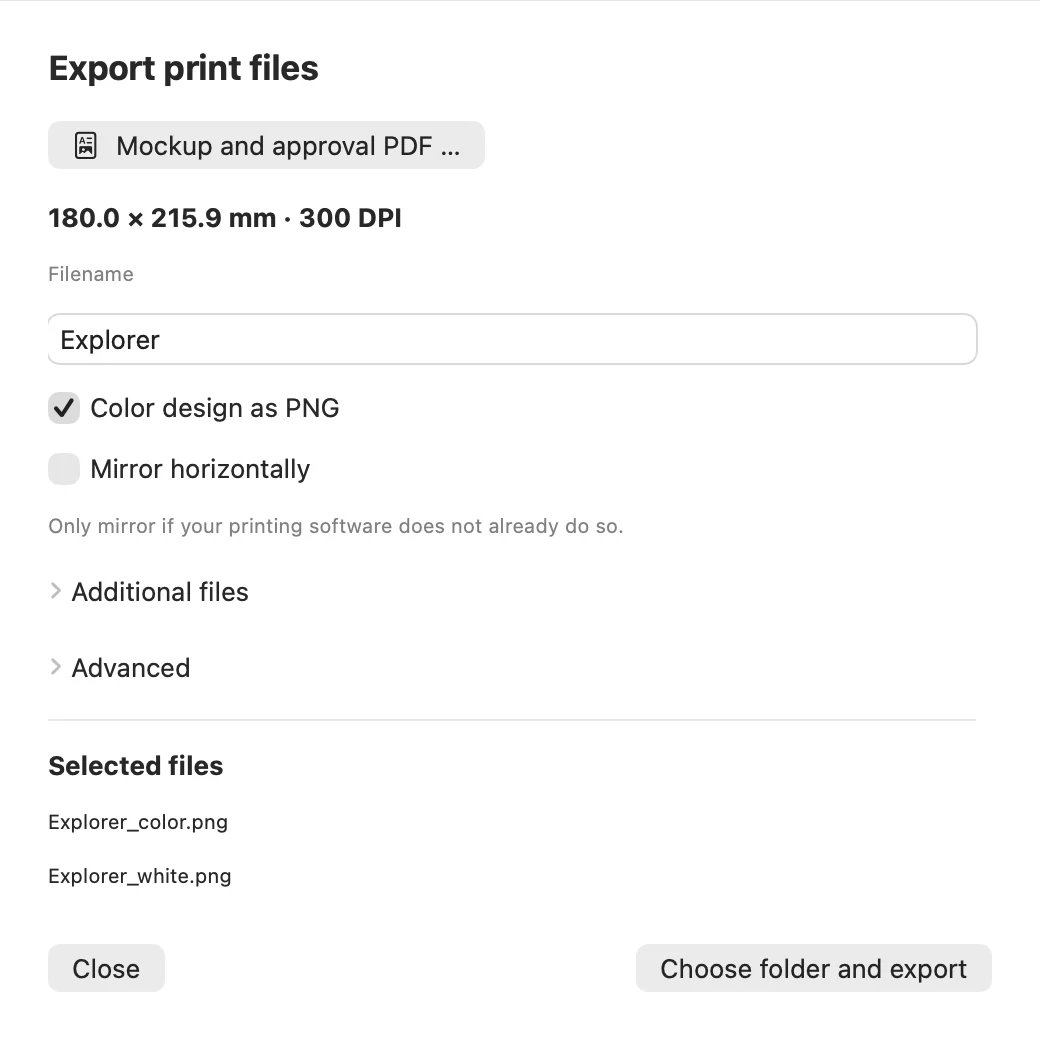
Check the app’s warnings. Arrange designs on a gang sheet if you want to print several together. Then save the files for your printing software.
macOS
The app runs on Macs with an Apple chip, such as M1 or M2. It’s for print studios and anyone who wants to prepare their own designs for textile printing.
The app prepares files for your printing software. It does not print directly.
The manual explains each step, from opening a design to saving your print files.
Questions and helpYOUR DESIGN TO WEAR · DINGFEIN
Discover customizable T-shirts, hoodies and sweatshirts in my online shop DINGFEIN. Choose a design or create your own with your text, image or artwork.